
OffShoot 26.2
With Reports just out of the gate, we're back with something a little different. No single headline feature in OffShoot 26.2, but a collection of quality-of-life improvements. Some big, some small. Some relevant to most of you, some to a handful. All of them the kind of thing that makes a day on set or in the bay run a bit smoother.
Eyes on the Road
A proper prep phase saves shoots. Checking your gear, formatting your cards, making sure everything's up to date before the camera rolls. It's unglamorous work, but skipping it is how things go wrong. Firmware updates for your media are part of that checklist, and they're easy to forget.
We've seen our share of support tickets where the root cause of a slow transfer turned out to be an outdated firmware. The fix is simple, but the damage (a failed offload, a delayed wrap) was already done.
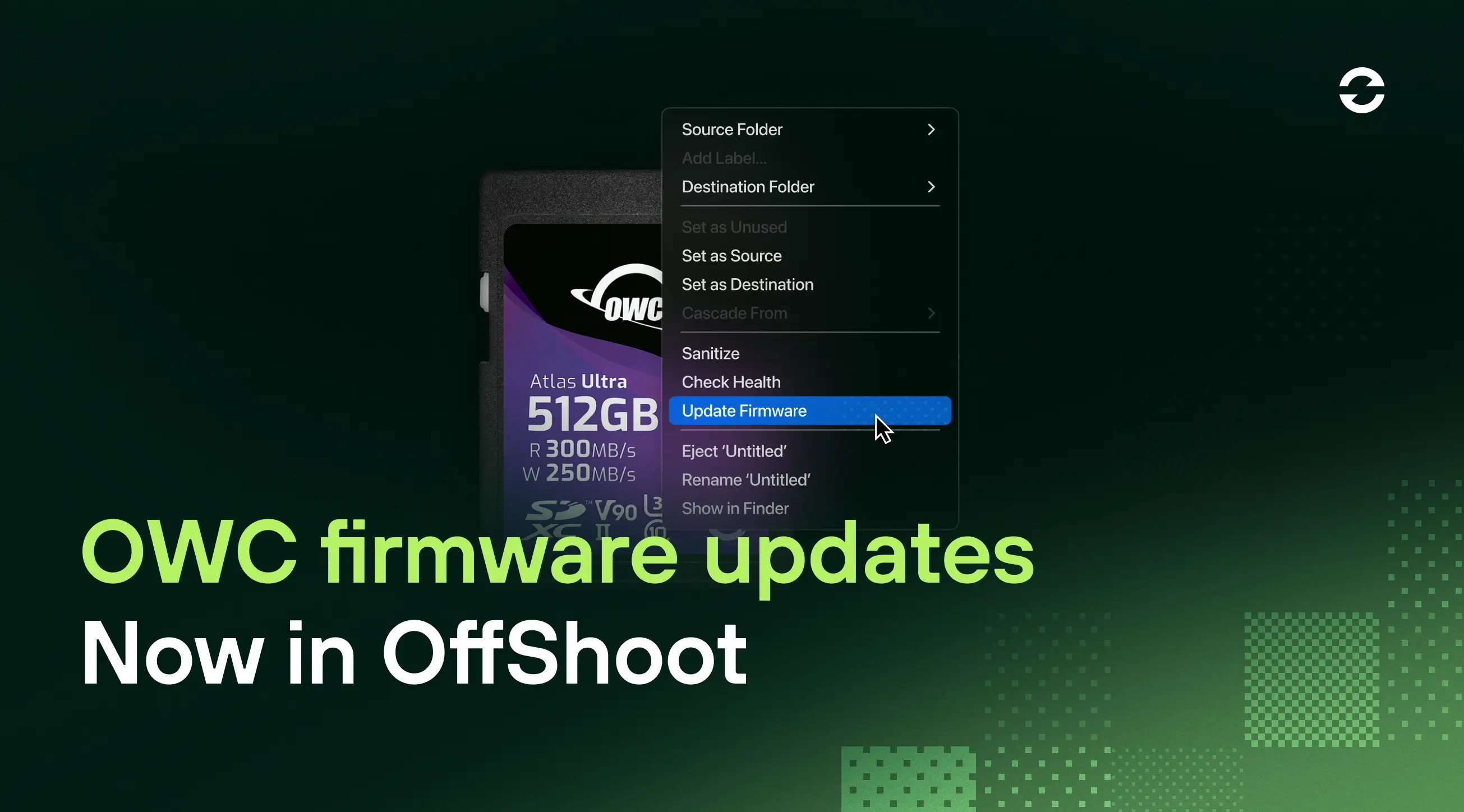
OWC wanted to make firmware updates more accessible, right there in the tool you're already using. We worked together to bring their technology into OffShoot (as we did before). As a result, OffShoot now checks whether a firmware update is available for your connected OWC media and tells you before you start your offload. You'll see a notification right in the app. Ideally, you start your day by loading your cards so you know all gear is in tip-top shape. Check, then shoot — not the other way around.
All Together Now
About two-thirds of OffShoot users work in a team environment. That's great, if everyone has a dedicated machine. But what if you don't? What if you share the data management laptops?
Global Settings makes sharing machines much easier. Presets and settings stored globally are available to every user on that machine, regardless of who set them up. If you're big on provisioning, pair that with an MDM solution, and you can centrally manage configurations across your entire fleet. Everyone picks up the same machine and gets the same OffShoot, every time.
Better Manifests
ASC-MHL has been around for about three years now. During that time, as expected a number of edge cases have arisen. In 26.2, we tackle a batch of them:
Hidden files are now logged in MHL and ASC MHL
Added files are detected
Renamed and moved files are detected
MD5 is now supported
Modified ASC MHL manifests are detected during verification
Missing ASC MHL files are detected
Nested histories are now supported
MHL files on Mac now use lowercase node names, matching the spec
The MHL file path is now included in the
FileCopyCompletedevent
Codex 8
Codex makes recording media for modern ALEXA cameras, and external recorders for early ALEXA cameras, that capture ARRIRAW sensor data before any in-camera compression touches it. With HDE (High Density Encoding) via the integration of Codex Platform and Offshoot, the ARRIRAW data is repacked during offload to reduce file sizes by around 40% with zero information loss. It's the go-to for high-end productions for exactly that reason: the full image, in a manageable footprint.
OffShoot Pro has supported Codex for years, and it's not a generic file copy under the hood. We've built a copy engine specifically tuned to Codex magazines.
Codex 8 (formerly Codex Device Manager) is a significant update. It unifies the MXF/HDE workflow across all ARRI cameras, replacing the older .arx format with a single consistent pipeline. OffShoot 26.2 supports it out of the box.
Get 26.2
Update from within the app, or grab a fresh installer at hedge.co/offshoot.
Questions or issues? Reach out, we're here.