
Shared Licenses
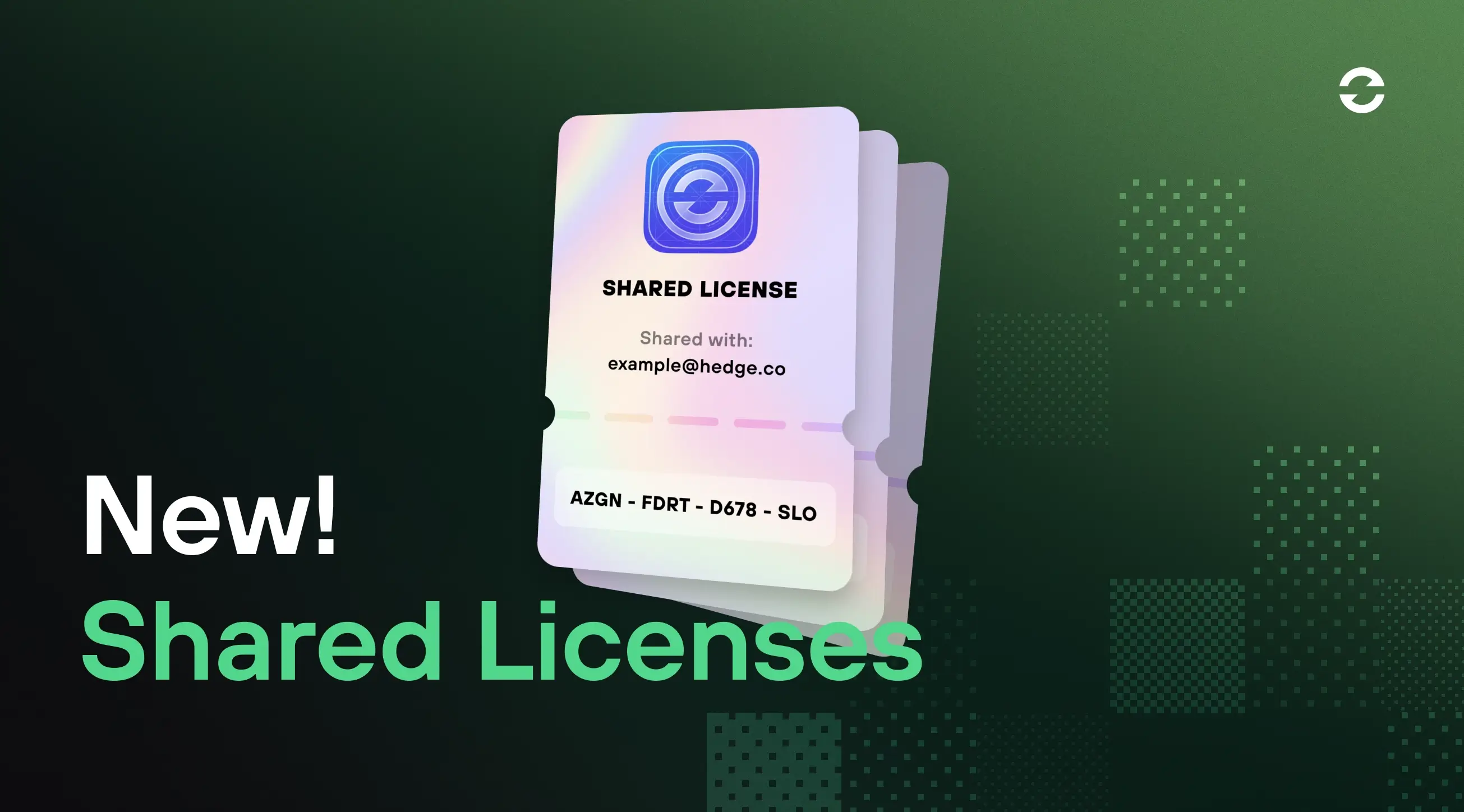
If you've ever collaborated with a freelancer, remote editor, or external contractor, you've probably done this: you copy your license key and fire it off in a Slack message or email. It works, but it's messy. Your key ends up living in someone else's inbox, and because that key is yours, anyone using it isn't covered by your support. A shared license fixes both: the collaborator gets their own temporary key, and they're entitled to support on it, without your original key ever leaving your hands.
From now on, you can share an activation directly from your license without ever handing over your original key. When you share access with a collaborator, we generate a temporary, dedicated key on your behalf, one that you control completely.
No more copying and pasting keys, and no more passing your own license around to people it was never meant for. Just clean, controlled access you can hand out (and pull back) in a couple of clicks.
Share in seconds
Sharing a license used to mean a manual back-and-forth. Now it's a single action. Enter your collaborator's email address, hit share, and they'll receive their own temporary activation key, completely separate from yours. Your original license key stays private, always. They don't need an account or a login; they just activate with the key they're sent.
A shared key draws from your pool of activations, just as activating on one of your own machines does. To keep your own license safe, you can share all but one of your activations.
You stay in control
Projects end. Contracts wrap up. Team members change, and access to your license stays in step. Revoke a shared license at any time, instantly, without affecting your own activation or anyone else on the project. The shared key stops working immediately, and we email the collaborator to let them know it's been revoked.
No awkward "hey, can you delete that key?" messages required.
Shared license or project license?
Both give someone temporary access to a Hedge app. The difference is how the access is scoped: to a person or to a timeframe.
A shared license is person-scoped: it shares an activation from your existing license with a specific individual, by email, and you revoke it when the work is done or when the person leaves your team. Reach for it when you're lending out an activation to a freelance colorist, remote sound designer, or other collaborator.
A project license is time-scoped: it's a separate license tied to a specific project that expires on its own (off-the-shelf project licenses expire 30 days after first use). Reach for it when the work itself has a fixed timeframe, and when you'd rather treat access as a per-project operating cost than as part of your standing license.
Who it's for
We built this with producers and post supervisors in mind: anyone wrangling external collaborators across multiple projects who needs a better way to manage Hedge app access without the administrative headache (or the security risk).
Solo creators working with remote professionals will find it just as useful. Even if it's just you and one trusted collaborator, clean, revocable access sharing matters.
License sharing is available on Pro licenses that have more than one activation and are eligible for support and updates.
Not sure if your license supports Shared Activations? Check it out in the License Manager.