
Straight to disk and tape, in one go
Archiving is usually associated with the final bits of the production workflow. Makes sense, as final deliverables and consolidated projects come to life at the end, ready to be shelved (and aired, of course).
However, if you’re already transferring data to multiple destinations, why not add the extra step of archiving to LTO as well? This way, the biggest chunk of data is already preserved in perpetuity, before an editor even sees the footage.
You might say: “No way, I’m not spending time on setting up archiving. I got better things to do, at this point.” You’re right! So we’ll do it for you.
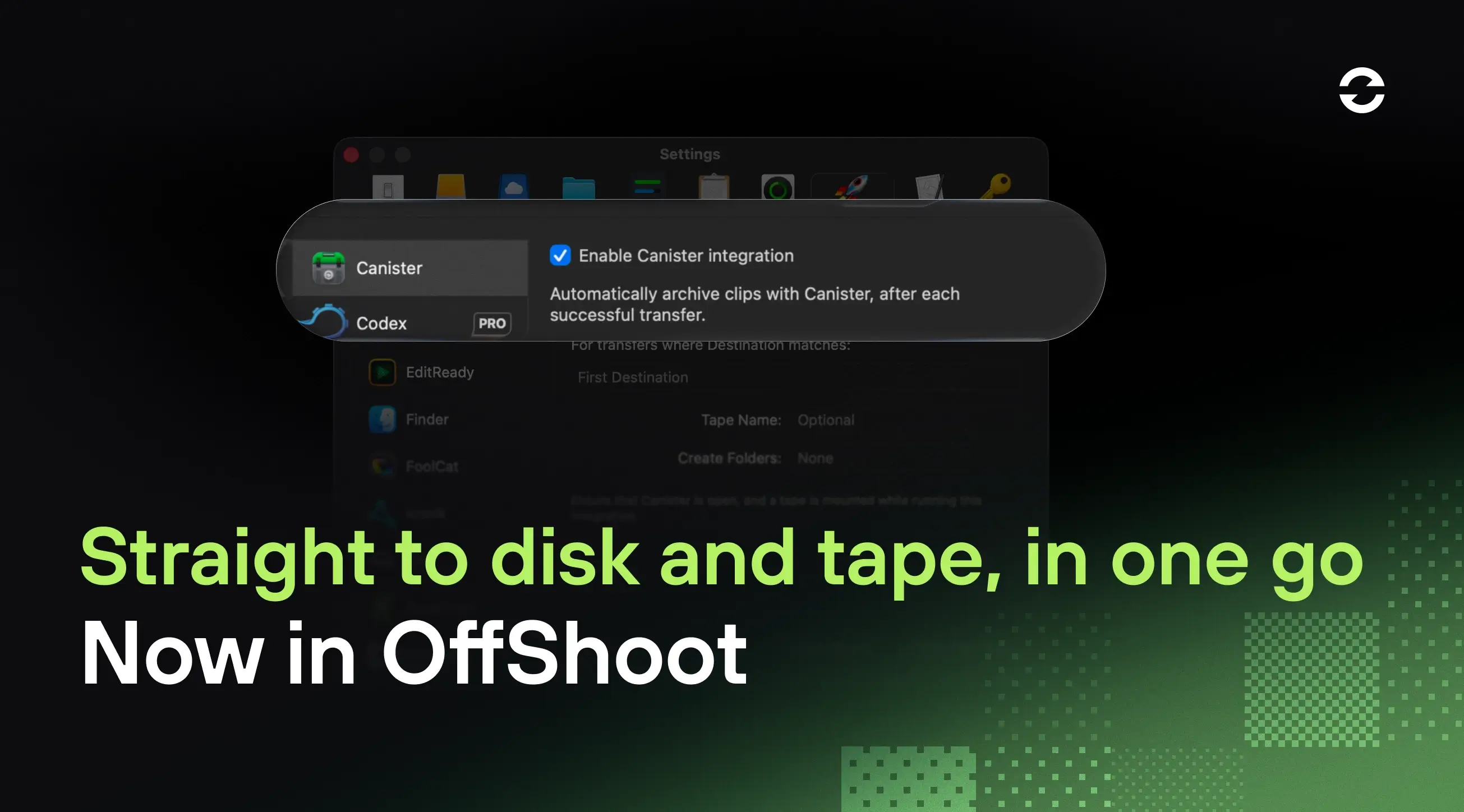
OffShoot now offers a Canister integration, firing up an LTO-archiving job right after your transfer finishes. Yet another thing to check off your list automatically.
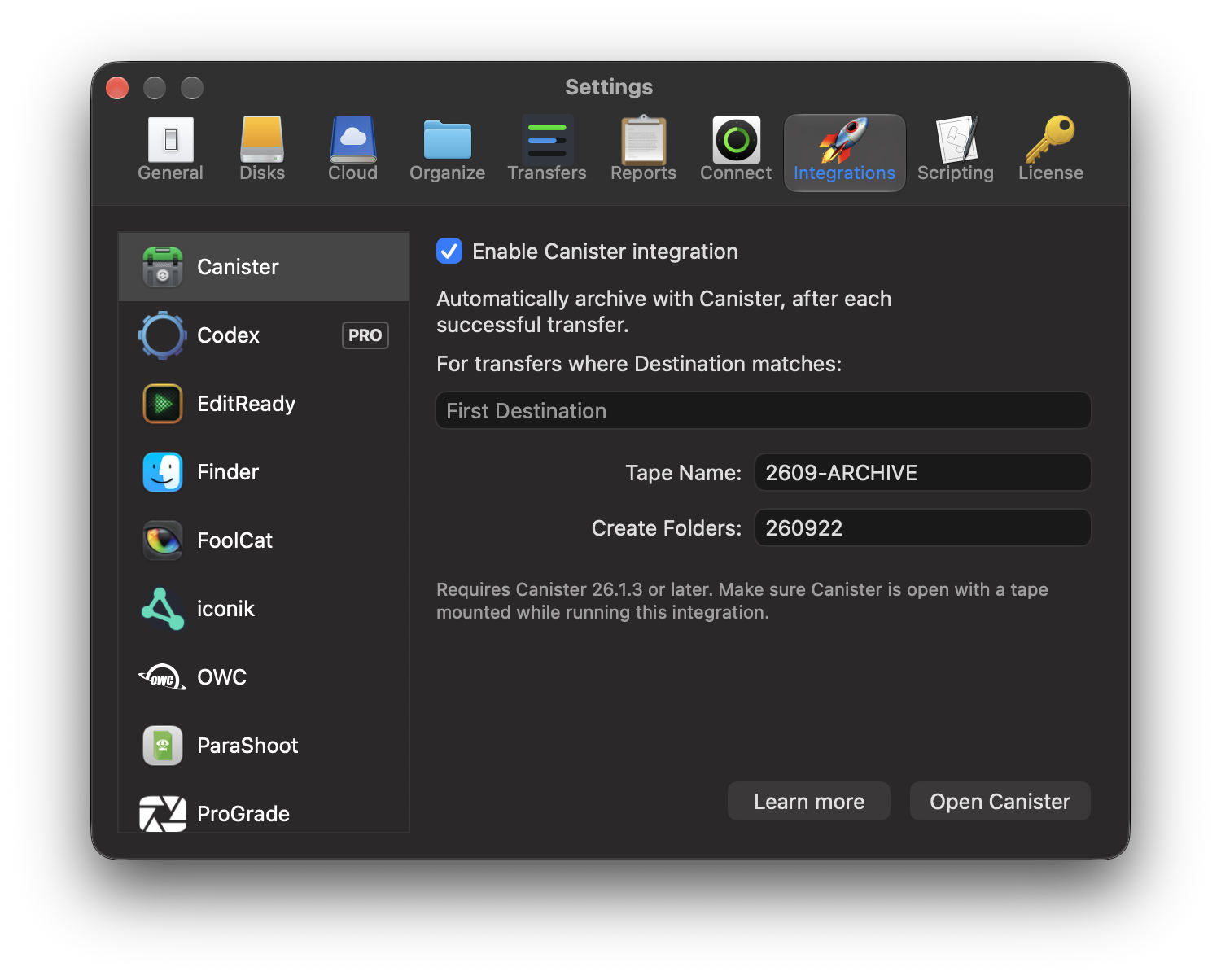
Here’s how it works:
Yes, it's a simple as that. Open OffShoot's settings, enable the Canister integration and fire up your transfer.
A couple of things to consider:
For the integration to work, Canister needs to be open and a tape has to be already mounted.
By default Canister will archive to the root of EVERY mounted tape.
Both a destination folder and a tape can be specified in OffShoot’s integration panel.
OffShoot 26.3 is available right now as an in-app download and is free for all licenses eligible for updates and support. Not sure? Check your license in the License Manager: